License and support
What a license unlocks
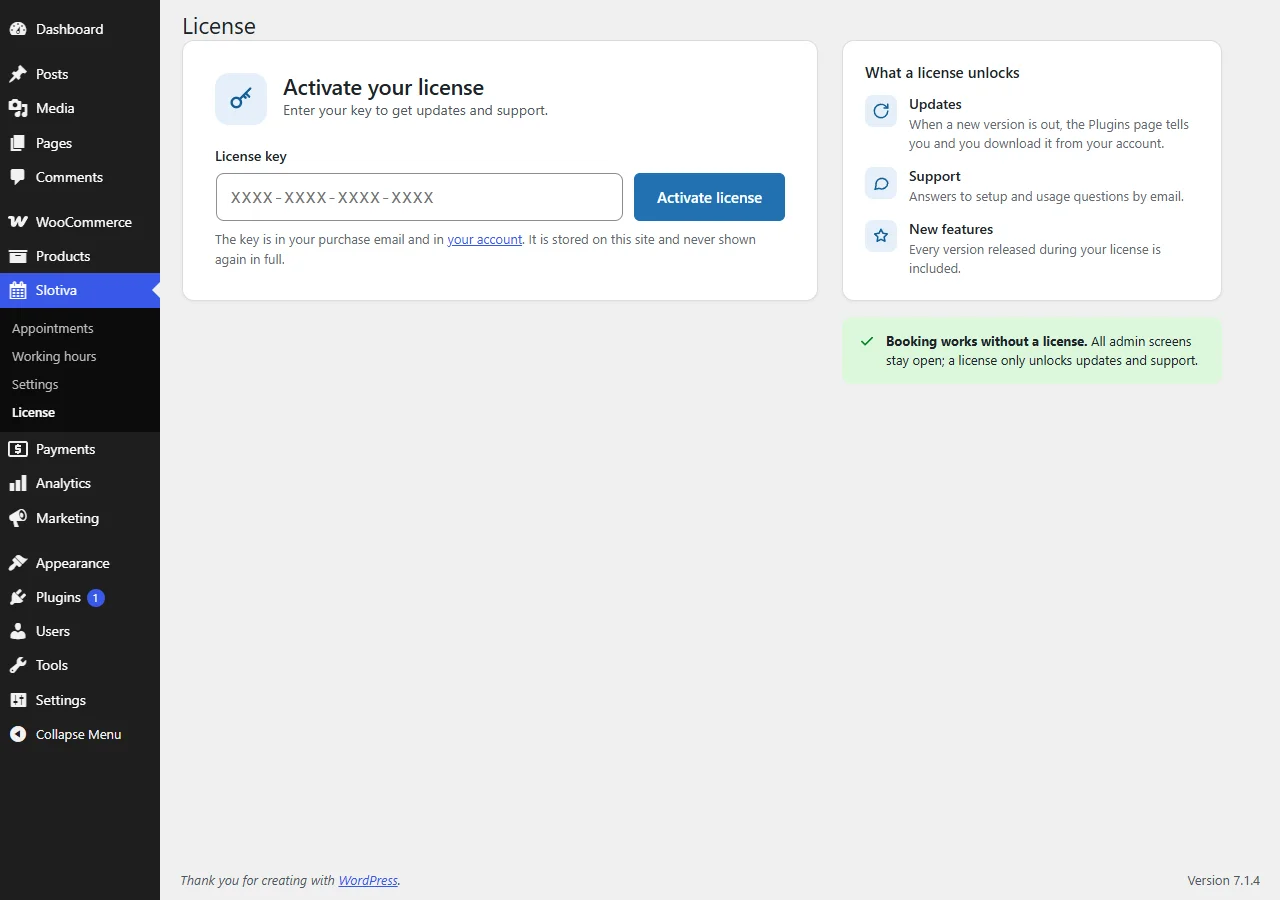
Booking works without a license. All admin screens stay open; a license only unlocks:
- Updates — when a new version is out, the Plugins page tells you and you download it from your account.
- Support — answers to setup and usage questions by email.
- New features — every version released during your license is included.
Activating
Open Slotiva → License, paste your key and click Activate license. The key is in your purchase email and in your account. It is stored on your site and never shown again in full — the screen shows only its first 4 characters.
License states
The license screen always shows one of these states. Once a key is entered, About this license status at the bottom of the screen opens the matching section of this page in a new tab.
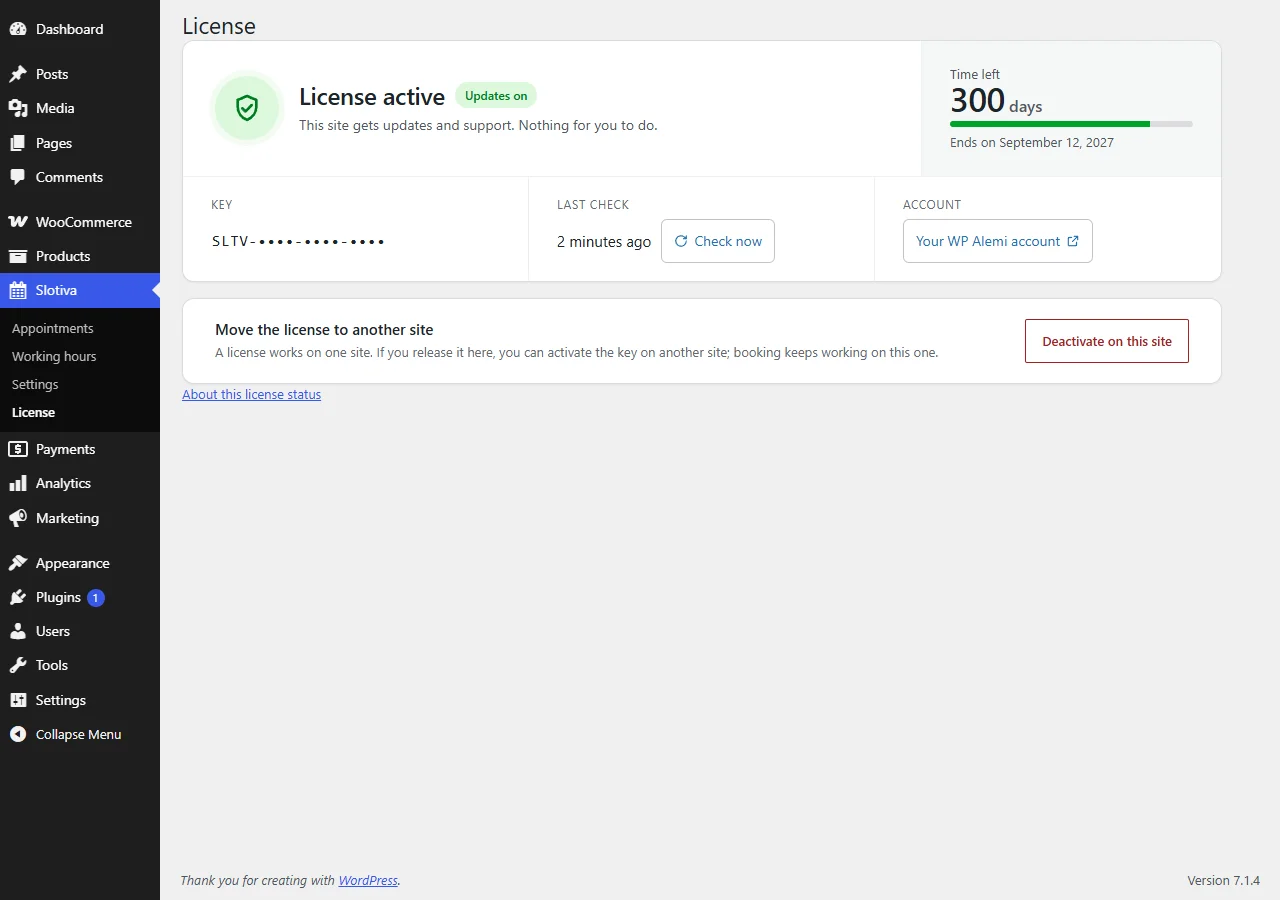
Active
Updates and support are on. The screen shows the days left, the end date, when the license was last checked (Check now checks again) and a link to your account.
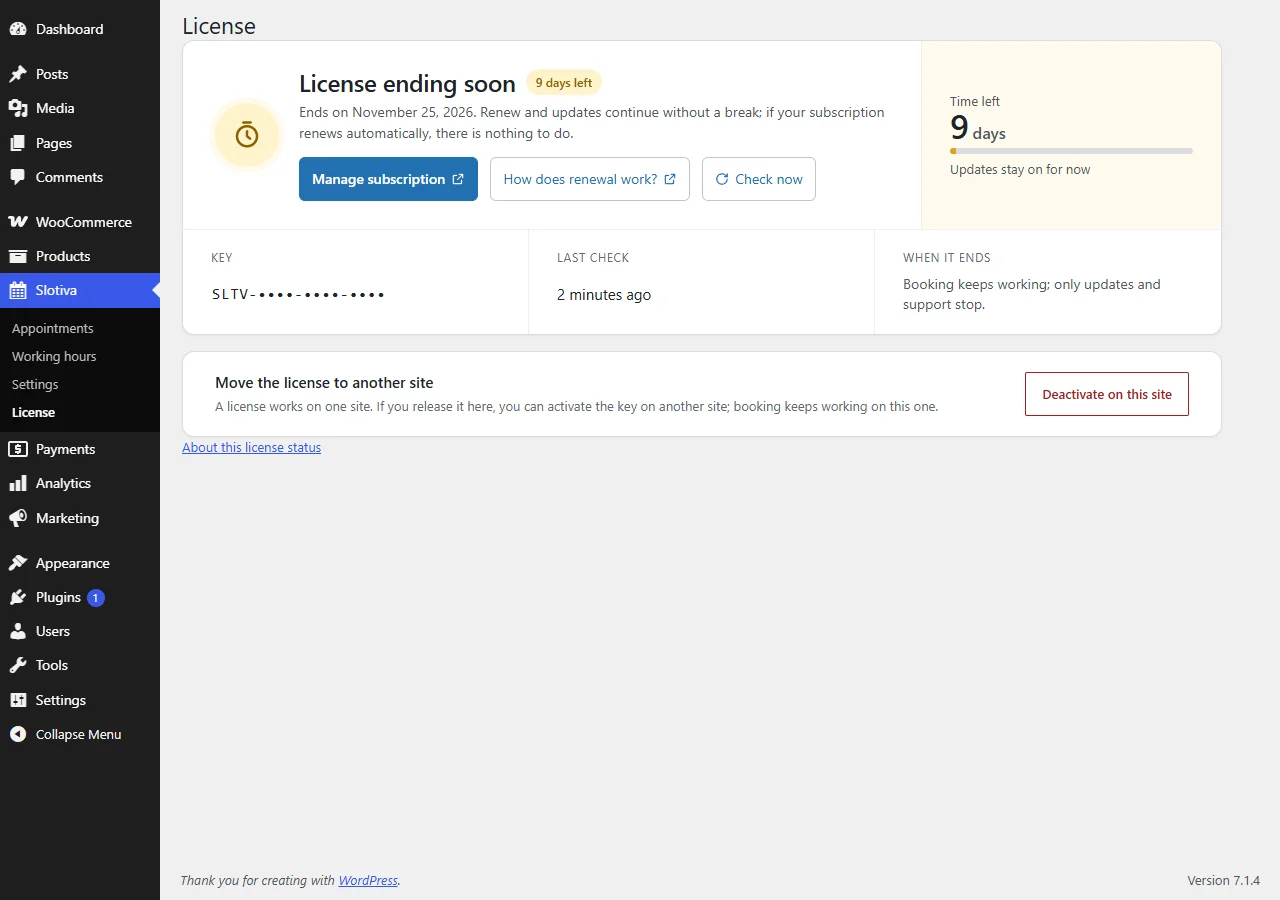
Ending soon
The license ends within 14 days. Updates and support still work; renew and they continue without a break — if your subscription renews automatically, there is nothing to do. Manage subscription opens your account; How does renewal work? opens the Expired section of this page; Check now checks the license again, for example right after you renewed.
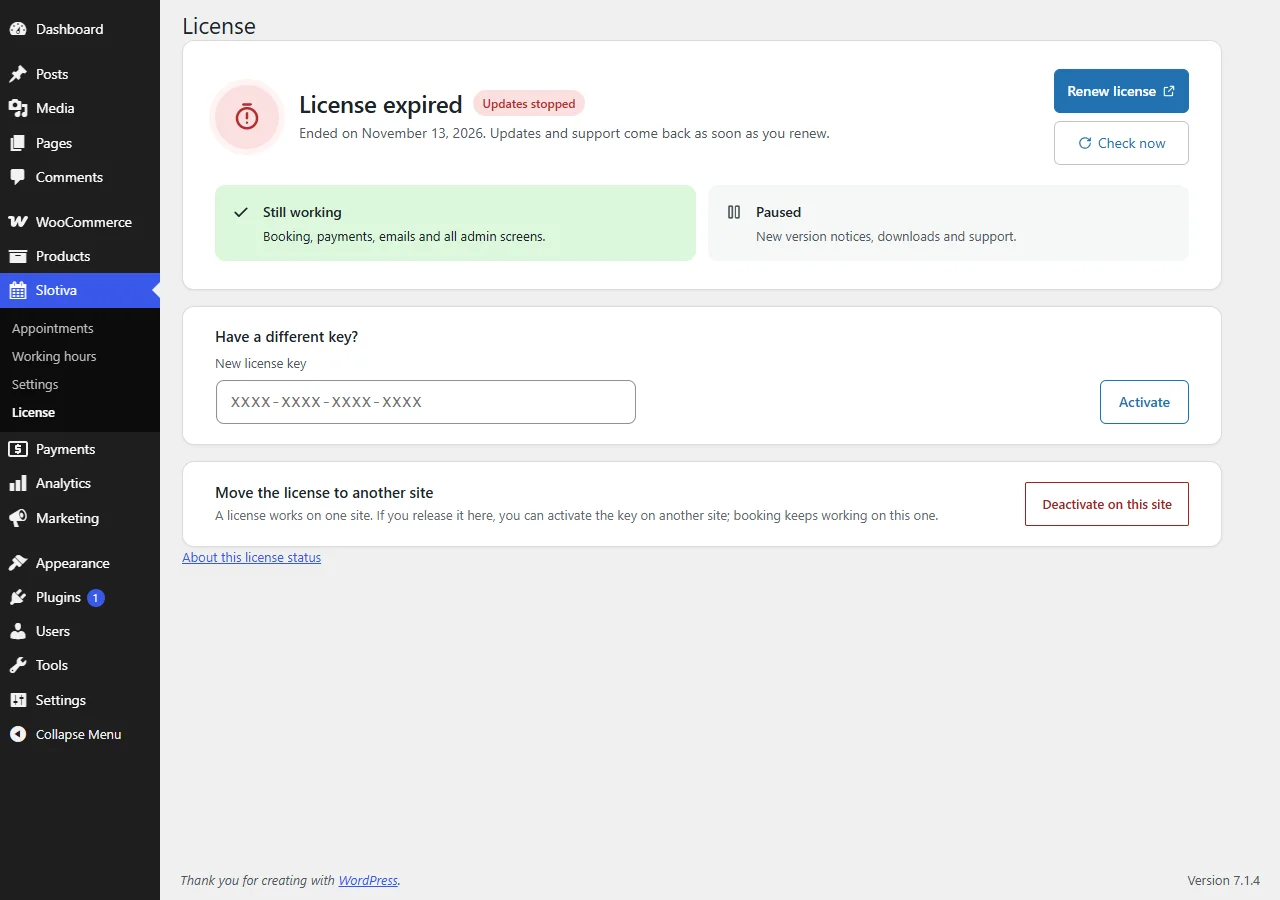
Expired
The end date has passed. What keeps working: booking, payments, emails and every admin screen. What stops: new-version notices, the right to download new versions, and support. Renew license opens your account; renewing brings updates and support back at once. If you have a different key, enter it under Have a different key?.
Not verified on this site
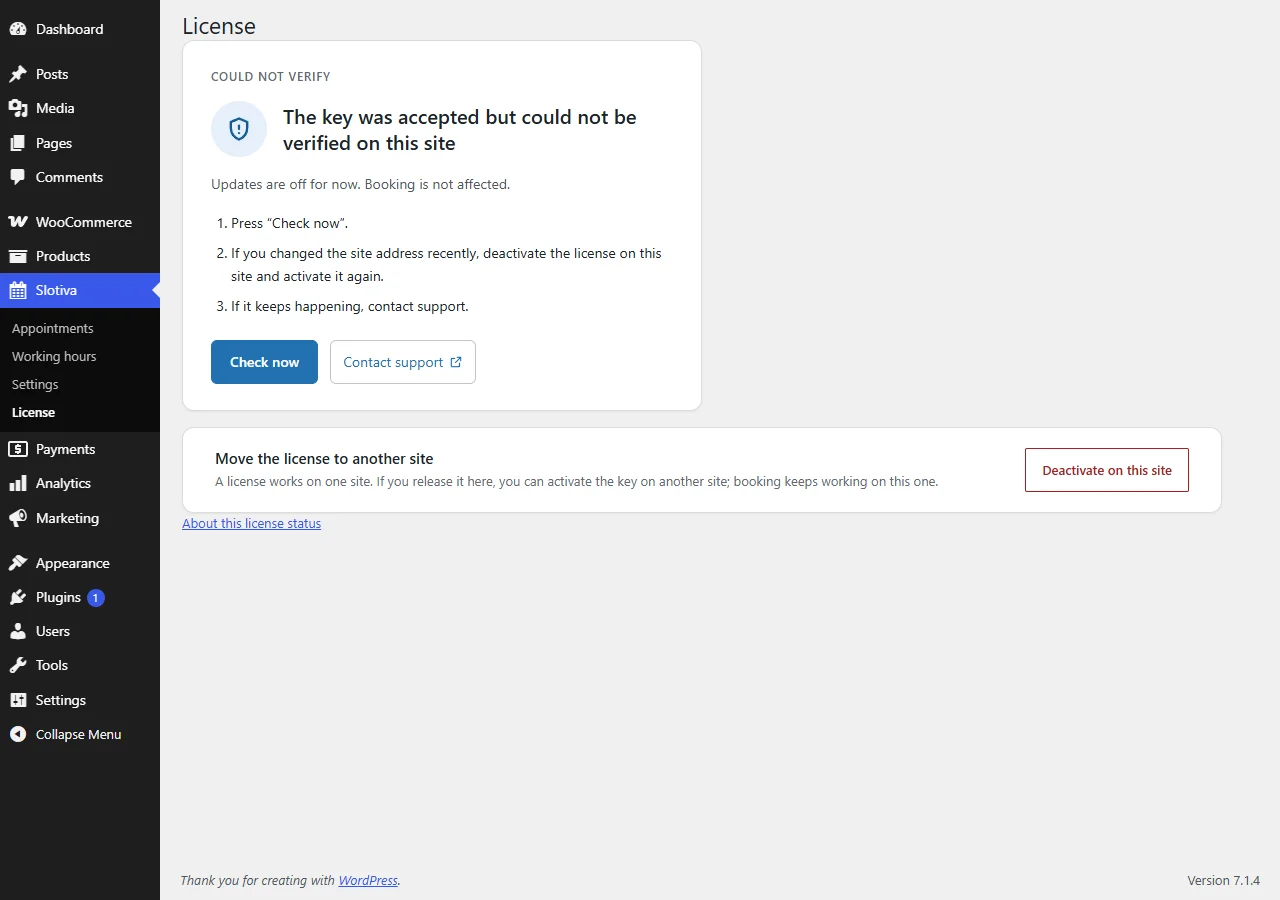
The key was accepted but could not be verified on this site. Updates are paused; booking is not affected. Click Check now. If you recently changed the site address, deactivate the license on this site and activate it again. If it continues, contact support.
License server can't be reached
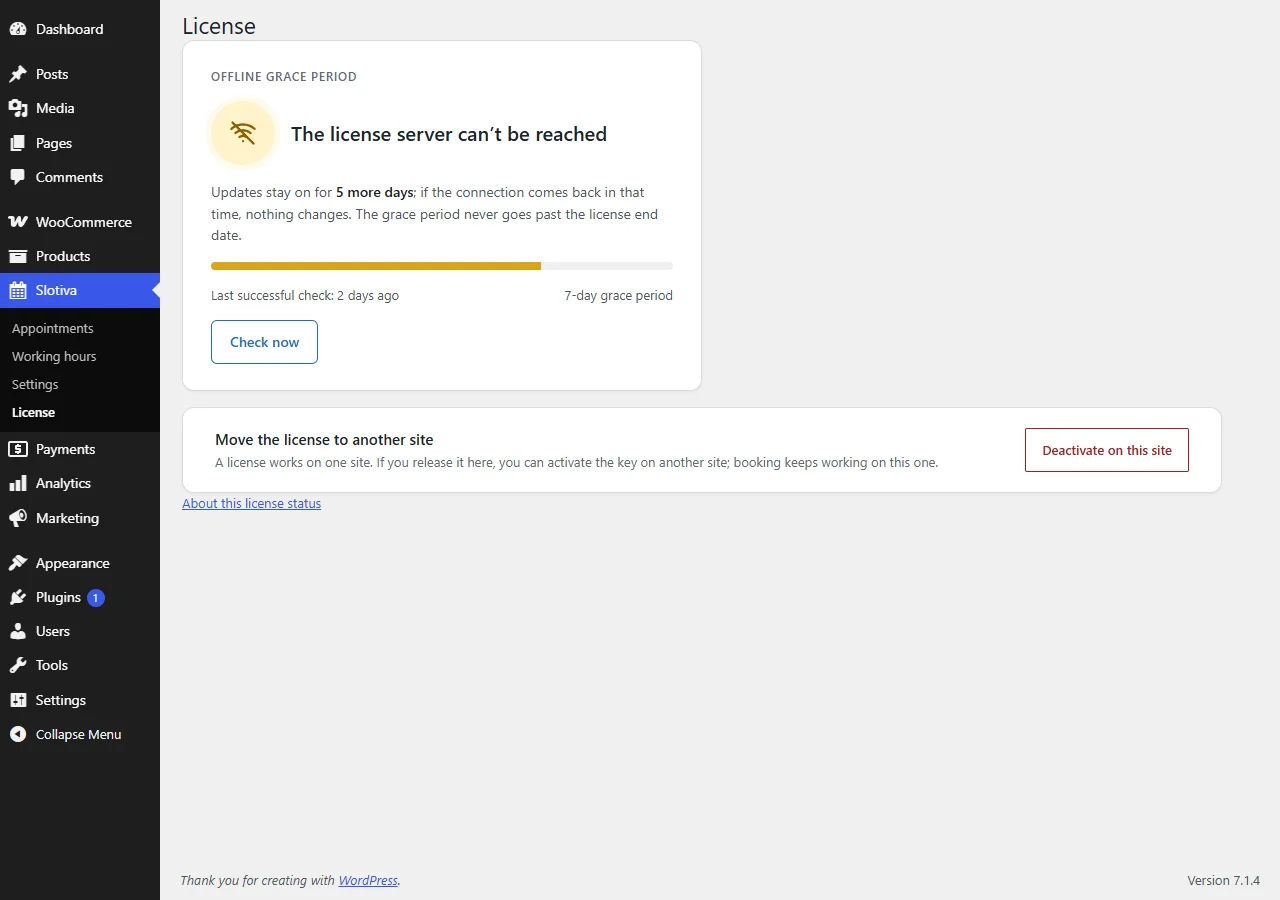
Slotiva could not reach the license server. Updates stay on for up to 7 days after the last successful check; if the connection comes back in that time, nothing changes. The grace period never goes past the license end date. Check now tries again.
When a new version is out
While updates are on, a strip at the top of the license screen announces a new version (Slotiva … is out.). Click Download … to get the ZIP from your account, then install it via Plugins → Add Plugin → Upload Plugin — see Installation.
Moving the license to another site
A license works on one site. Click Deactivate on this site (shown in every state) to release it; you can then activate the key on another site. Booking keeps working on the old one.
Getting help
Support questions go through your account at wpalemi.com. Please include your Slotiva version (shown on the Plugins screen) and what you were doing when the problem appeared.